Bento Blog
Practical growth for creators.
Source-backed guides for building, publishing, selling, and growing with less busywork.
Bio Link Sites: How To Pick The Right One For Your Creator Business
Not all bio link sites do the same job. Here are the main types, the risks to watch for and a simple workflow for choosing yours.
Open Source Bio Link Page For Creators
Open source bio link pages give creators control over their code and data. Here is how they compare with hosted builders and how to choose.
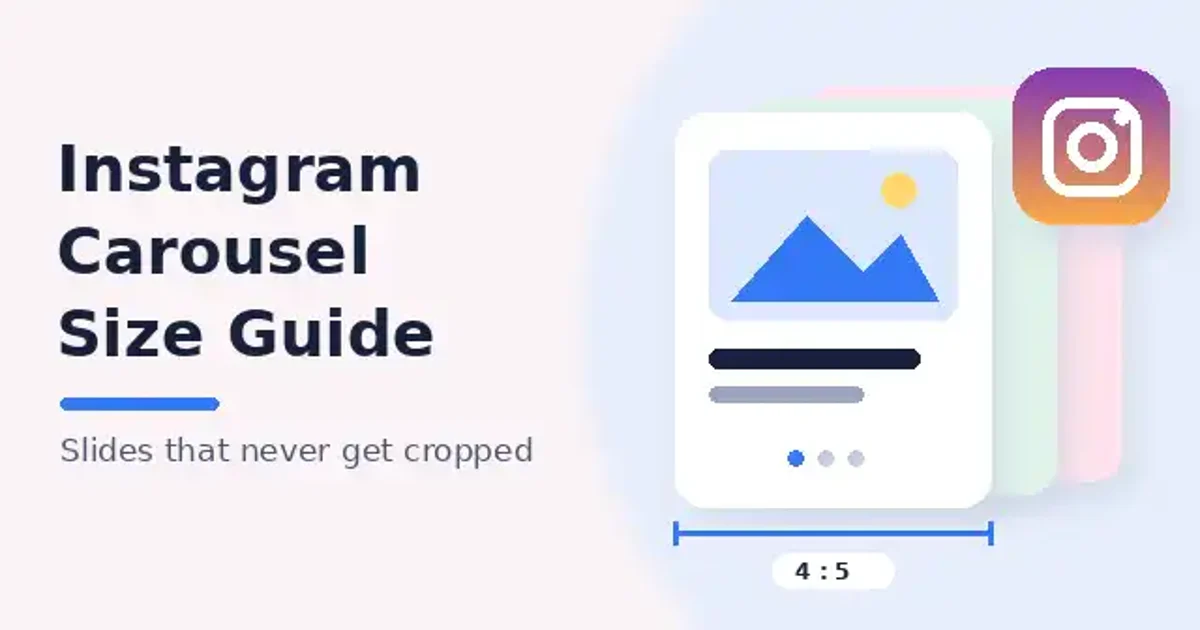
Instagram Carousel Size Guide
Get the Instagram carousel dimensions that work in the app and in scheduling tools, plus slide limits, cropping rules and a simple workflow for designing slides.
Social Media Scheduling: A Practical Guide For Creators
Learn what a social media scheduler does, how to compare tools on networks, calendars, posting times and bulk uploads, and a weekly workflow you can keep.
Content Calendar Template For Creators
The columns, sections and weekly habits that turn a content calendar template into a plan you actually follow, with setup steps for Sheets and Notion.
Digital Product Ideas For Creators
Templates, cheat sheets, presets, workbooks and more, sorted by the skill they need, with a practical workflow for choosing and launching your first product.
How To Use Claude For Social Media Scheduling
Claude writes and plans posts on its own, but it needs a connector to a social media tool to schedule them. Here is how to set it up and keep control.
How To Change A YouTube Shorts Thumbnail
Upload a custom Shorts thumbnail in YouTube Studio on a computer, pick a frame in the app, fix a missing upload option, and focus on Shorts that get search traffic.
How To Download A YouTube Thumbnail In High Resolution
Skip blurry screenshots. Here is how to grab the full HD thumbnail file YouTube stores, fall back to smaller sizes safely, and build a clean reference library.
How To Track Bio Link Clicks With UTM Links
Tag each platform and each button on your bio page with consistent UTM links, test the path once, and read the results to see which placements really send clicks.
How To Copy A YouTube Transcript On Phone
The YouTube app shows transcripts but will not let you copy them. Here are the phone methods that work and how to reuse the text.
Creator Economy Definition: What It Means and Where You Fit
What the creator economy actually means, the groups that make it up, how creators get paid, and a short workflow to put the definition to work.
How To Schedule YouTube Shorts
A step-by-step guide to scheduling YouTube Shorts on desktop and mobile, fixing Shorts that don't go live, and batching uploads.
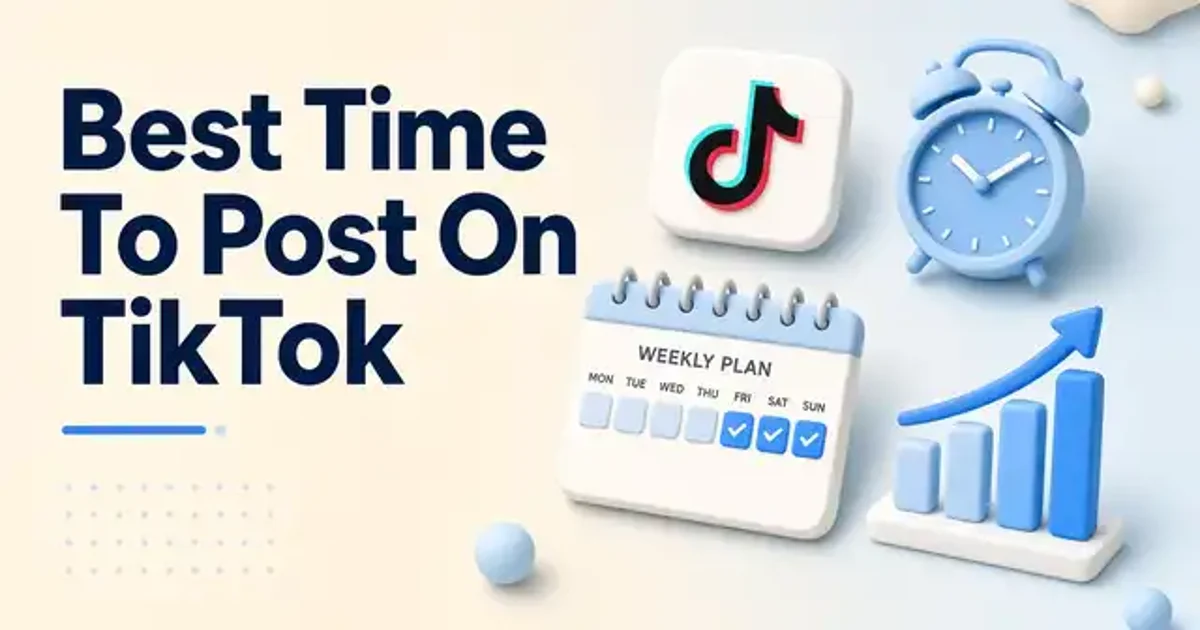
Best Time To Post On TikTok
What the biggest TikTok timing studies found, where they agree and disagree, and a simple routine for finding the posting windows that work for your audience.
How To Sell An Ebook Online
A practical workflow for selling an ebook online, from choosing between Kindle and your own site to comparing fees, preparing files and setting up checkout.
How To Batch Schedule A Month Of TikTok Videos
Plan, film, edit, caption, and schedule a month of TikTok videos in focused blocks, then choose the right scheduling route for your batch.
How To Put A Link In Instagram Bio
The exact steps to add a clickable link to your Instagram bio, the limits that matter, and a simple weekly workflow to keep that link working for you.
How To Sell Templates Online
A practical workflow for selling Canva and Notion templates online, from choosing a marketplace or your own store to comparing fees and delivering files cleanly.
How To Price Digital Products
A practical workflow for setting the price of an ebook, template or course: start with the buyer's outcome, find your floor, check the market, add tiers, and test.
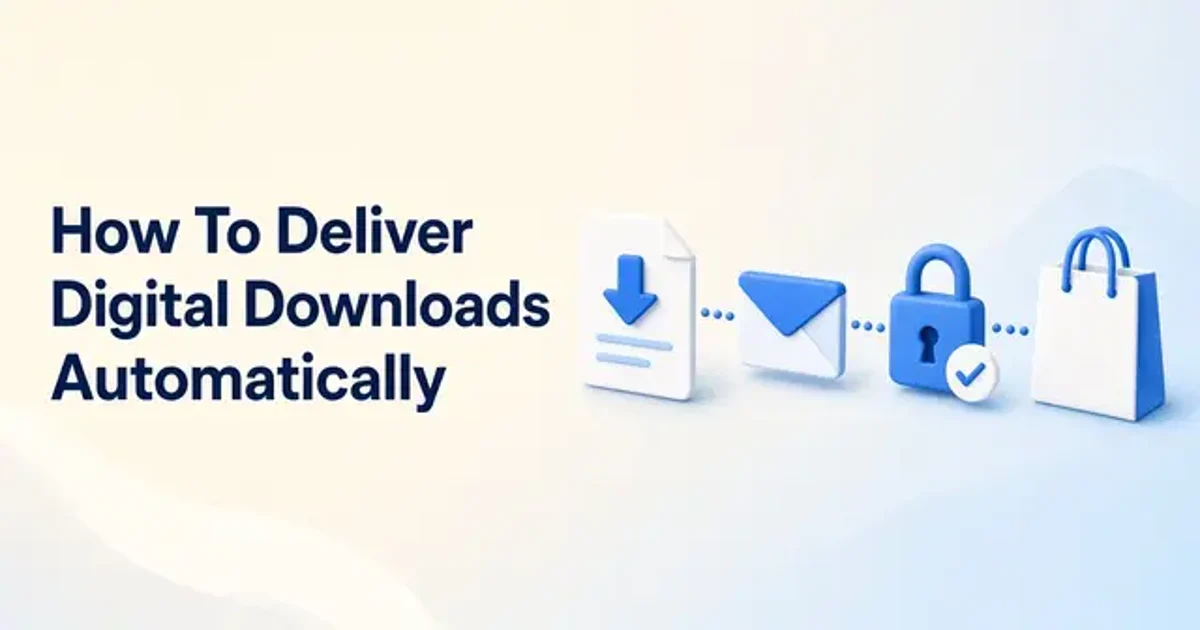
How To Deliver Digital Downloads Automatically
A step-by-step workflow for creators who want every sale to turn into instant, secure file delivery without manual follow up.
Free Bio Link Options for Creators: What You Get and What You Give Up
Many bio link tools let you start for free, but each one fits a different goal. Here is how the main options compare and how to choose.
ElevenLabs Instagram Transcript Generator: Options and Workflow
A practical look at the ElevenLabs Instagram transcript generator and its alternatives, what links can and cannot do, and a workflow for reusing Reel text.
Instagram Reel Transcript Free No Sign Up: What to Know
A practical guide to no sign-up Instagram Reel transcripts: how the tools work, the limits to check, accuracy, export formats, and a workflow for reusing your Reels.
Transcript Instagram Reel To Text: A Simple Workflow
A practical guide to turning an Instagram Reel into text: how the tools work, their limits, export formats, and a repeatable workflow for reusing your Reels.
Instagram Transcript AI: Turn Reels Into Text
A practical guide to AI Instagram transcripts: how the tools get your video, what to expect on accuracy, and how to reuse one Reel across your content.
Facebook DM Automation
A practical guide to Facebook DM automation: what it is, the rules to follow, which triggers to use, and a simple workflow to turn comments into conversations.
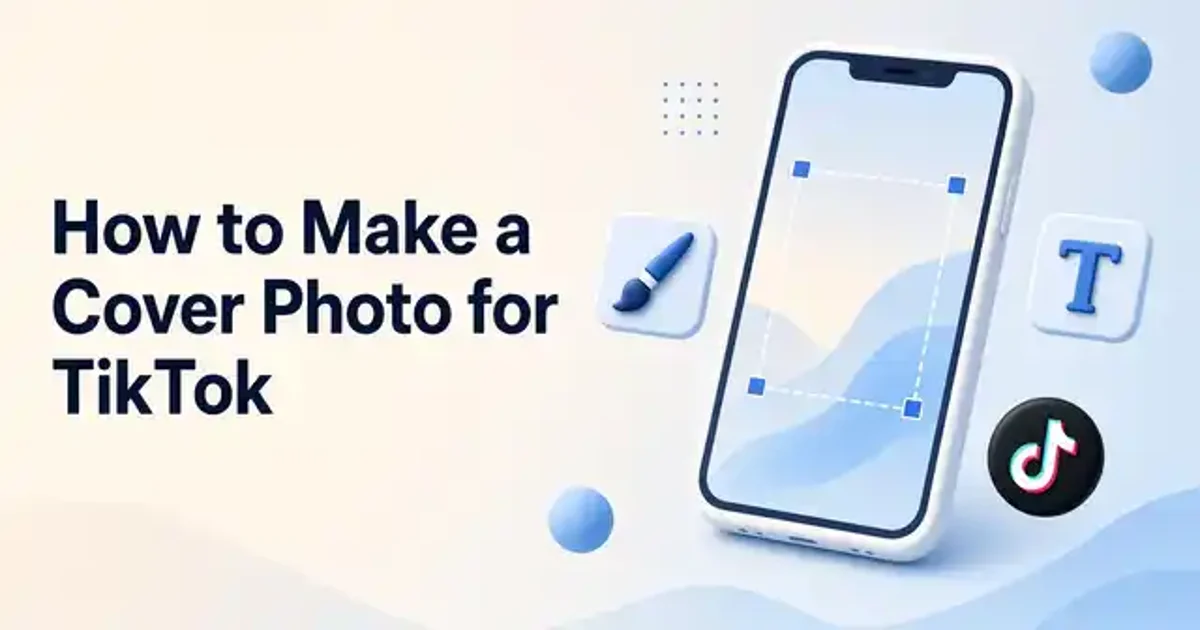
How to Make a Cover Photo for TikTok
A step by step workflow for making a TikTok cover photo, from choosing the image and text to uploading it and keeping your grid consistent.
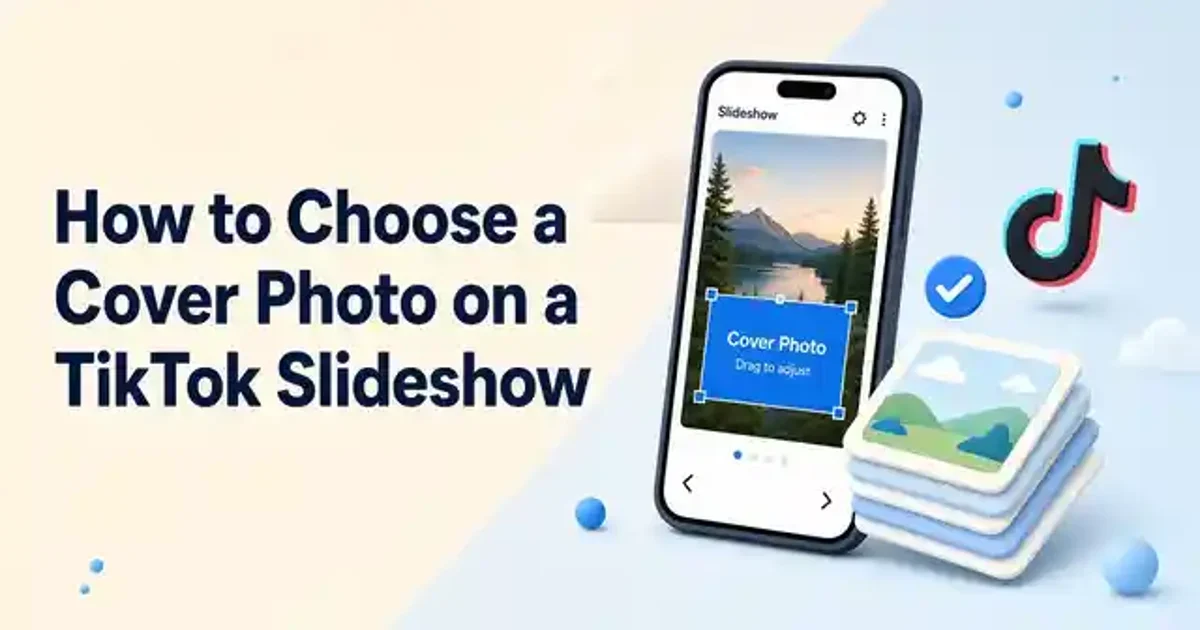
How to Choose a Cover Photo on a TikTok Slideshow
Where TikTok puts the slideshow cover control, three questions for picking the right frame, and how to keep cover text clear and easy to read.
Instagram Reel Cover Download: How to Save and Reuse Covers
A simple workflow for saving Instagram Reel covers as standalone images, plus tips to design and plan covers so you rarely need a downloader.
Auto DM on X (Twitter): A Safe Setup Guide
Auto DMs on X turn replies and reposts into private conversations. Here is how they work, the limits to plan around, and a safe workflow for creators.
What Is a Bio Link and Why Creators Need One
A bio link turns one profile URL into a page with your most important destinations. Here is what it is, why it matters, and how to set one up.
How to Schedule Instagram Reels: Three Methods and a Weekly Workflow
Schedule Instagram Reels from your phone, your desktop, or a scheduling tool. Here are the steps, the limits, and a weekly workflow to stay consistent.
How to Sell Coaching Calls Online: A Simple Workflow
Selling coaching calls online takes more than a video link. Here is a simple workflow from offer to booking, payment, call, and follow up.
X DM Automation: A Practical Workflow for Creators
X DM automation can help or hurt. Learn the difference between conversation and outreach tools and follow a workflow that keeps messages useful.
How to Set Up a Custom Domain for Your Bio Link
Put your bio link on your own domain with a simple workflow: pick a tool that supports it, choose a subdomain, add one DNS record, and test.
Free YouTube to Transcript Converters: How They Work and What to Pick
Free YouTube transcript converters work in different ways. Here is how to pick the right kind of tool and get a clean, usable transcript.
YouTube Transcript vs Captions vs Subtitles: What Creators Need
Transcripts, captions, and subtitles each serve a different viewer. Here is how they compare and when your channel should use each one.
YouTube Shorts Transcripts for Repurposing: A Simple Workflow
Shorts transcripts are short, focused, and easy to reuse. Here is what to make from them and a batching workflow that keeps repurposing simple.
How to Repurpose a YouTube Transcript Into Short Form Posts
A practical workflow for turning a YouTube transcript into short form posts, from getting a clean copy to matching each idea to the right format.
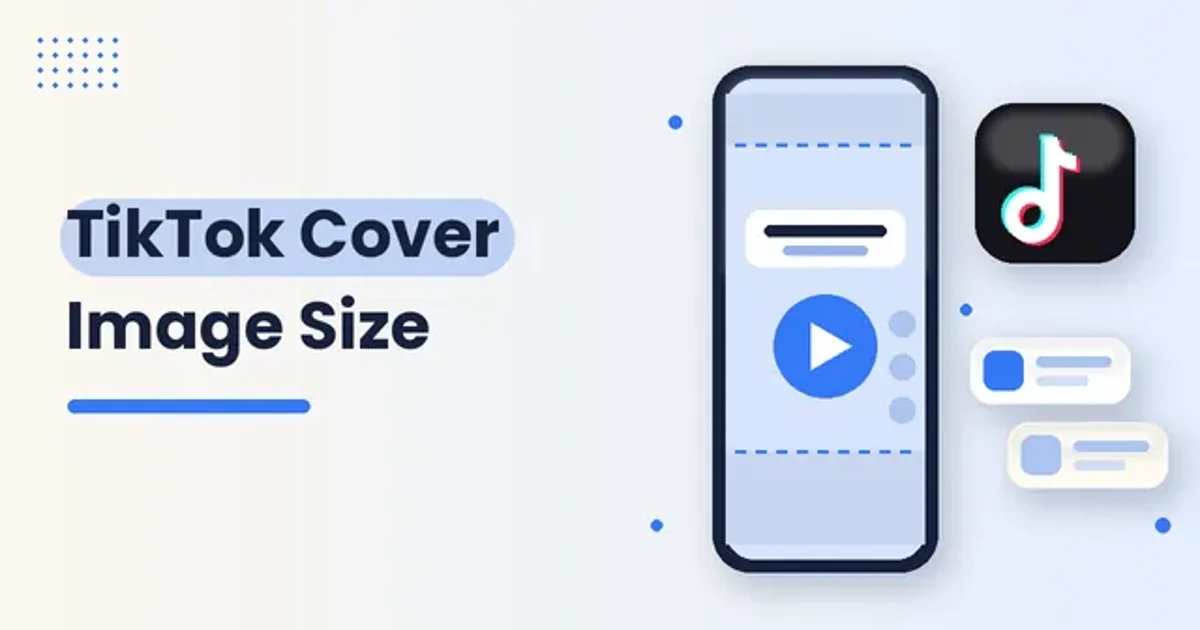
TikTok Cover Image Size: The Right Dimensions and Safe Zones
The TikTok cover image size to use, the safe zones that keep your title visible, and a repeatable workflow for designing covers.
Meta Private Replies: Auto DM Rules for Creators
A practical guide to Meta private replies for creators, covering how auto DMs work, where they land, the rules to respect, and a comment to DM workflow.
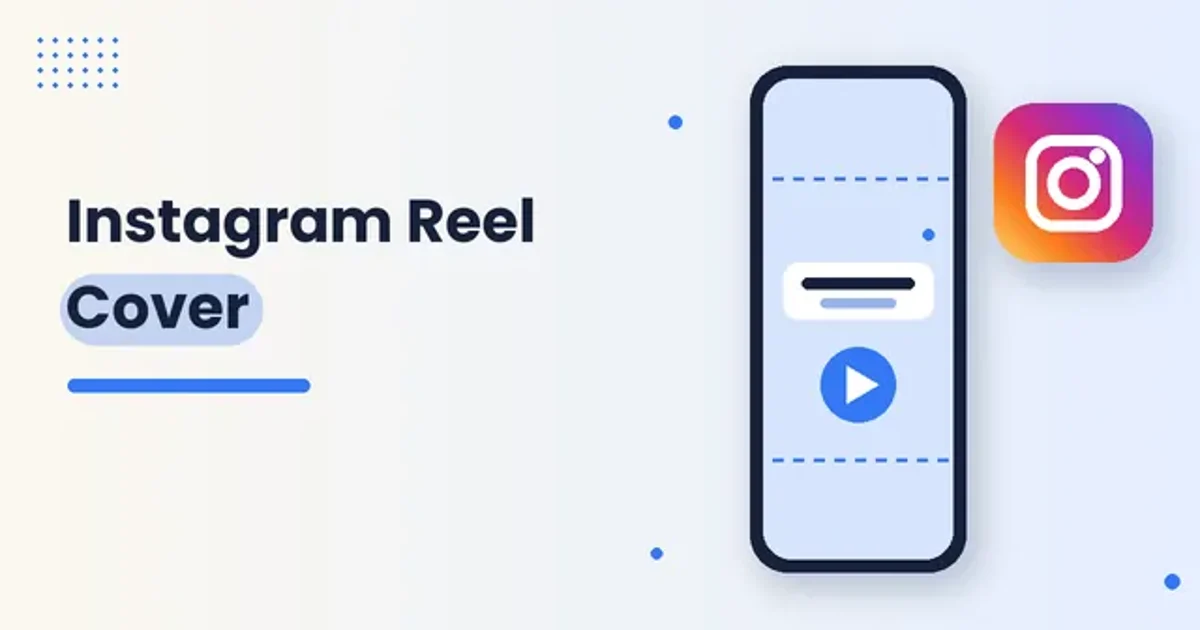
How to Set an Instagram Reel Cover: Steps, Sizes, and Edits
A practical workflow for Instagram Reel covers: set a thumbnail on Share, add a camera roll image, edit after posting, and keep text inside the grid safe zone.
How to Use a YouTube Transcript for Blog Posts: A Simple Workflow
A step by step workflow for turning a YouTube transcript into a readable, search friendly blog post without losing your voice.
How To Use An Instagram Reel Transcript To Write Captions
Your best Reel caption is already in your audio. Here is how to pull a transcript, clean it up, and shape it into a caption people read.
Open Source Social Media Scheduling Tools
What open source social media scheduling tools offer creators, how they compare with hosted schedulers, and a practical workflow for choosing one.
Free Social Media Scheduling Options For Creators
A practical guide to free social media scheduling options for creators: what free tiers really unlock, how to choose a category, and how to pair a scheduler with your creator stack.
How To Pick A TikTok Cover Frame
A practical workflow for picking a TikTok cover frame: choose a clear frame or custom image, add short text, save before you post, and know when you can still edit after publishing.
How To Sell Digital Products On Instagram Without A Website
You can sell ebooks, templates, and courses from Instagram without a website. Here is a step-by-step workflow covering account setup, checkout options, your bio, and posting.
How To Sell Digital Products As A Creator
Learn how to sell digital products as a creator with a simple workflow: pick a product your audience wants, choose where to sell, automate delivery, and keep marketing.
How To Schedule Instagram Reels From Desktop
A practical desktop workflow for scheduling Instagram Reels: set up a professional account, prepare files, pick a scheduler, and review your queue.
How To Sell Coaching Sessions Online
Sell coaching sessions online with a clear offer, real client research, a delivery stack you control, packaged sessions, and a simple booking plus payment flow.
How to Schedule TikTok Videos
A practical guide to scheduling TikTok posts with the native desktop tool or a third-party app, plus a creator workflow that keeps posting consistent.
Email Marketing Lead Magnet Ideas for Creators
Practical lead magnet ideas for creators who want to grow an email list, with tips on choosing a format and placing the signup where fans click.
Best Platforms to Sell Digital Products
A plain guide to choosing where to sell ebooks, templates, courses and other digital products, with a checklist and a fair look at the options.
YouTube Video Transcript Generator for Creators
A practical guide to getting a YouTube transcript, checking it, and repurposing one video into captions, newsletters, and scheduled posts.
Creator Audience Growth Strategy
A practical creator audience growth strategy: compounding growth loops, smart use of trends, reach and depth content, owned channels, and a weekly workflow.
Social Media Scheduling Workflow for Creators
A practical social media scheduling workflow for creators, covering planning, batching, approvals, automatic publishing, and weekly reviews.
Instagram Comment Automation Guide for Creators
A practical guide to Instagram comment automation: how comment-to-DM works, a simple setup workflow, caption and DM tips, and habits that keep your account safe.
Link in Bio Page Examples for Creators
Your bio gets one clickable link, so every button on your page has to earn its spot. These link in bio page examples show what works and how to build your own.
How to Schedule a Facebook Post (Page Workflow)
Scheduling Facebook posts for a Page keeps your publishing calm and consistent. This guide walks through Meta Business Suite on desktop, mobile options, editing scheduled posts, and when a third-party scheduler helps.